
The Post Templates feature lets you save frequently used post formats — content, hashtags, and formatting — so you can reuse them anytime without starting from scratch. Here’s how to use it:
Navigate to the Content Dashboard
- Log in to your Social Champ account.
- Choose your Social accounts and begin creating your post in the post composer. 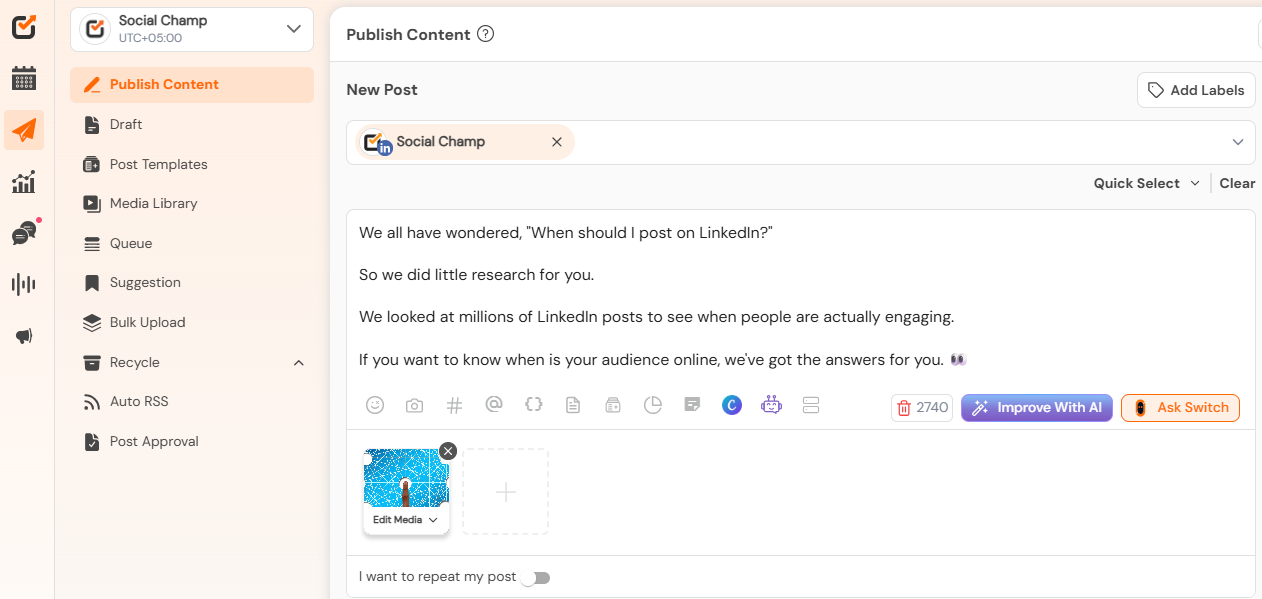
Save as a Template
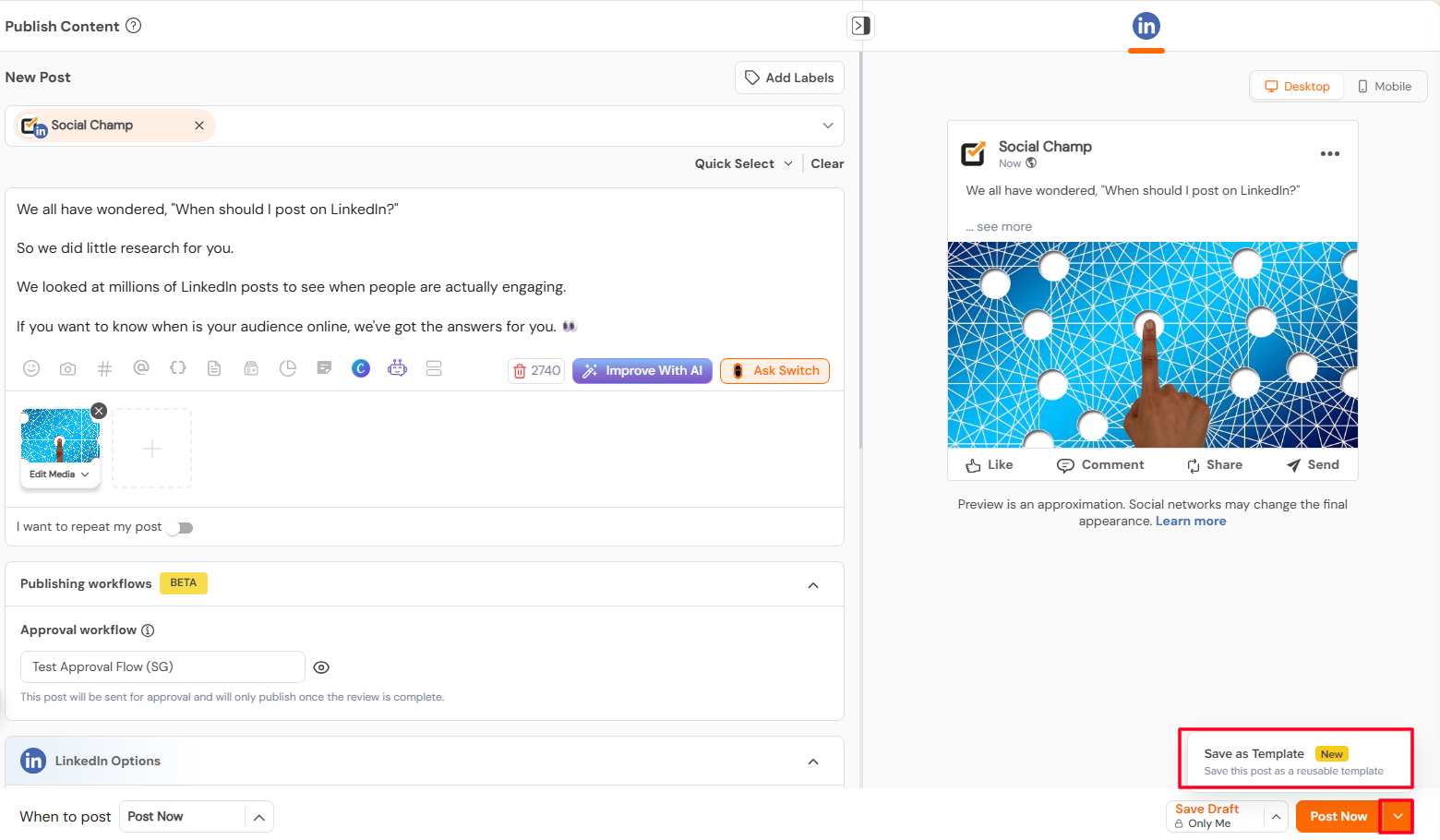
- Once your post is ready, click Save as Template.
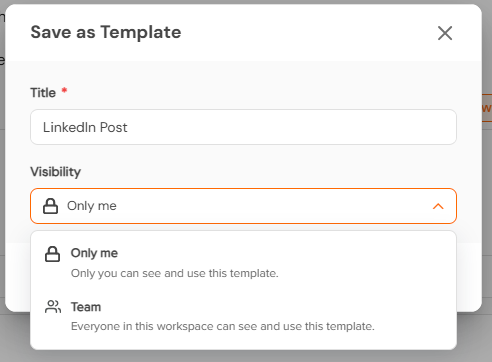
- Give your template a clear, recognisable name so it’s easy to find later.
- Set the visibility as only me or Team
Access and Manage Your Templates
- Navigate to the Post Templates tab from the second left panel
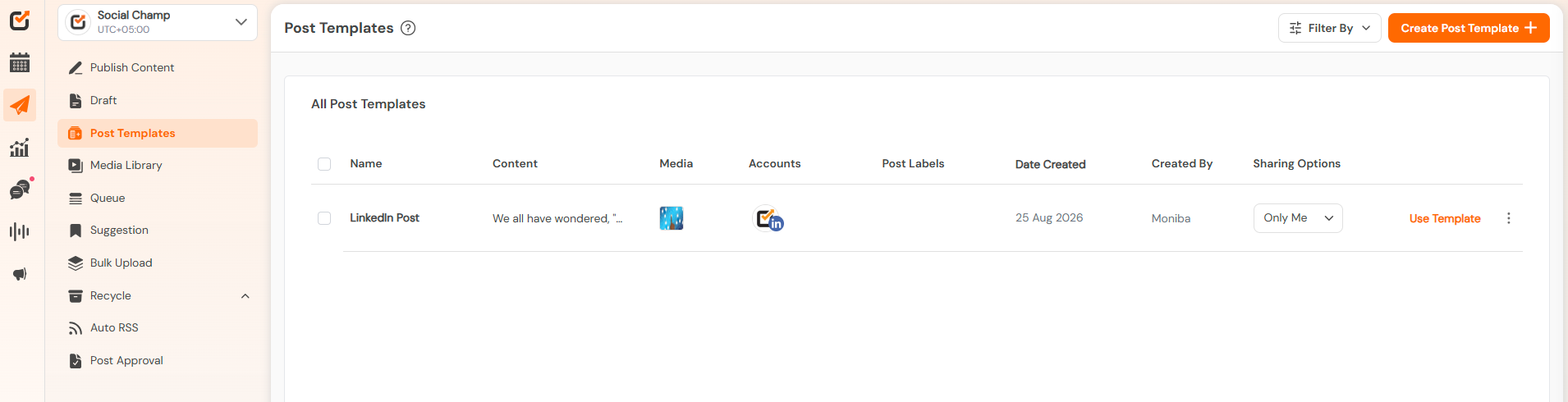
- Choose the template you want to reuse and click Use Template.
- Make any changes directly in the post composer.
- Use the Schedule or Post Now options to finalize and share your content.
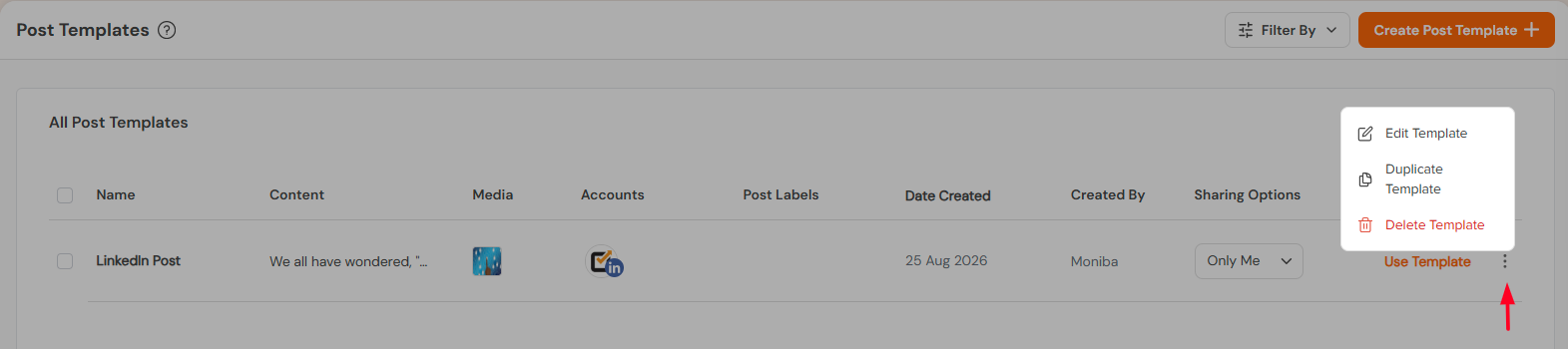
- Clicking on the three dots you can edit, duplicate ot delete the template.
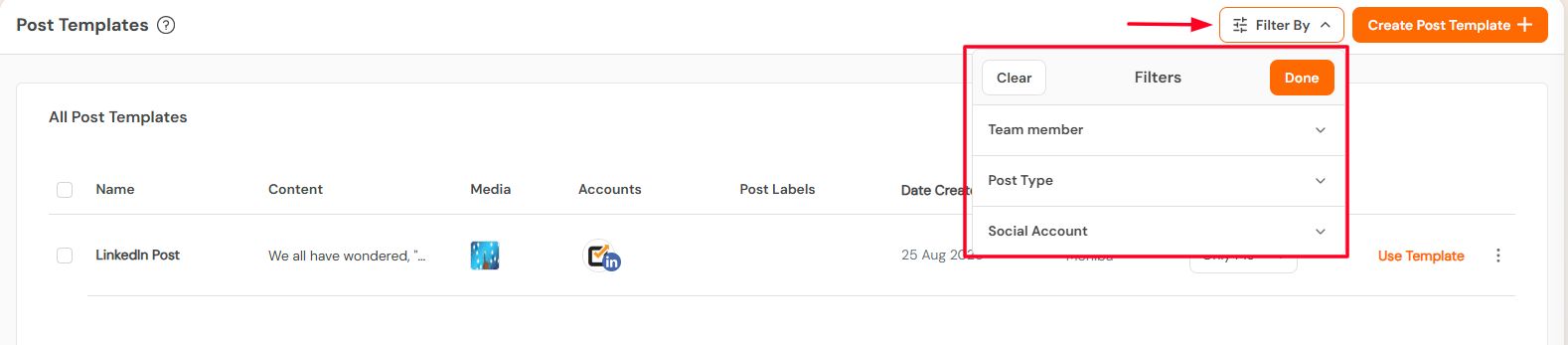
Additional Tips
- Save templates for recurring content types, like promotions, announcements, or weekly series, to save time.
- Keep template names descriptive so your team can quickly find the right one.
- Regularly review and delete outdated templates to keep your library organised.
Great work! Now you know how to use Social Champ’s Post Templates feature.
Get the Support you need
Having trouble? Got a question? We’re here to support you every step of the way. Simply email us at [email protected] and we’ll get back to you.
Enhance your content strategy and engage your audience with YouTube video scheduling. Follow this step-by-step guide to schedule videos on Read more
Hey, Champs! Social Champ now introduces its much-awaited feature ‘Shareable Drafts’, which allows you to share your saved scheduled posts Read more
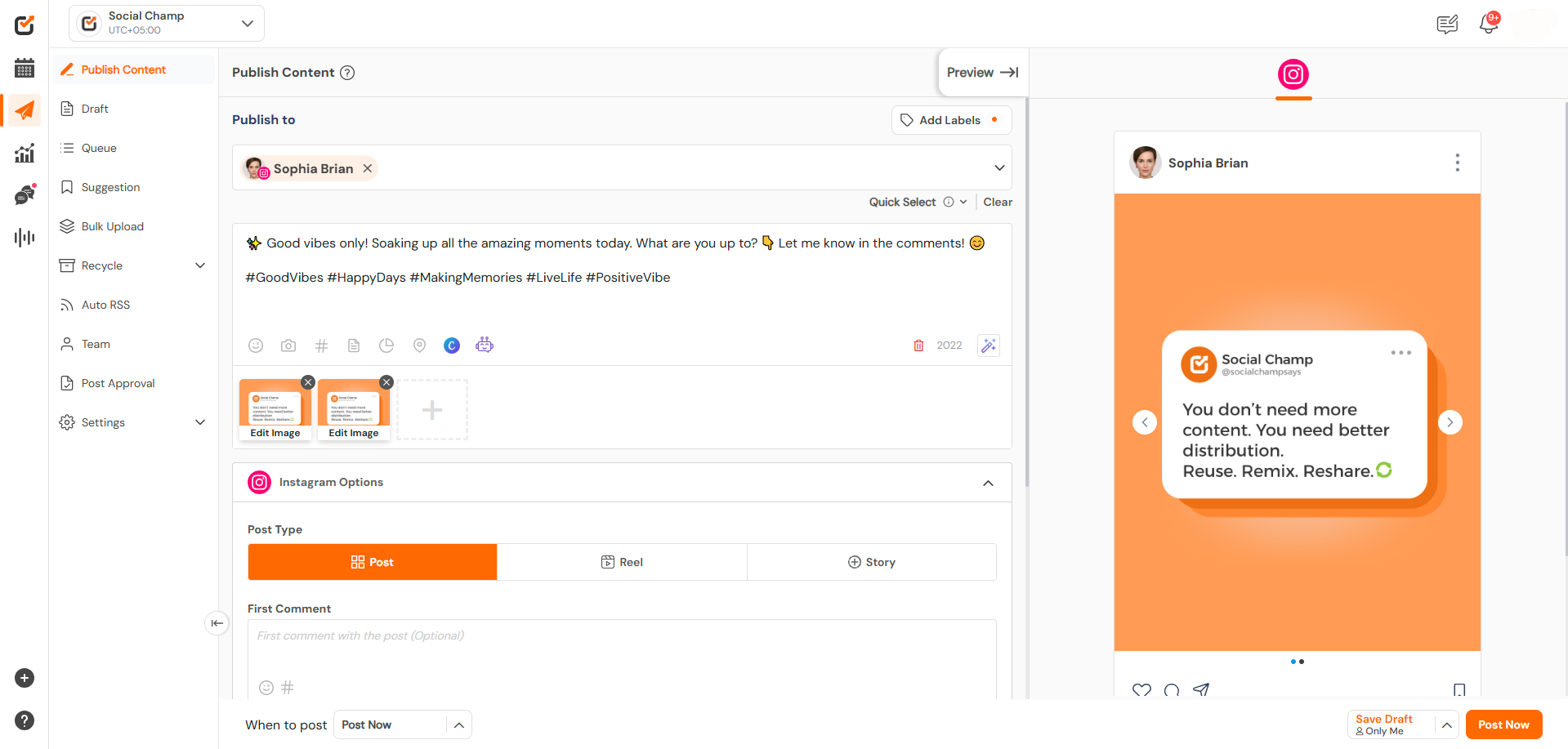
This guide will help you schedule carousel posts (multiple images) to your Instagram Business or Creator account using Social Champ. Read more
Social Champ offers a free plan and three paid plans. The number of posts you can schedule using each plan Read more