
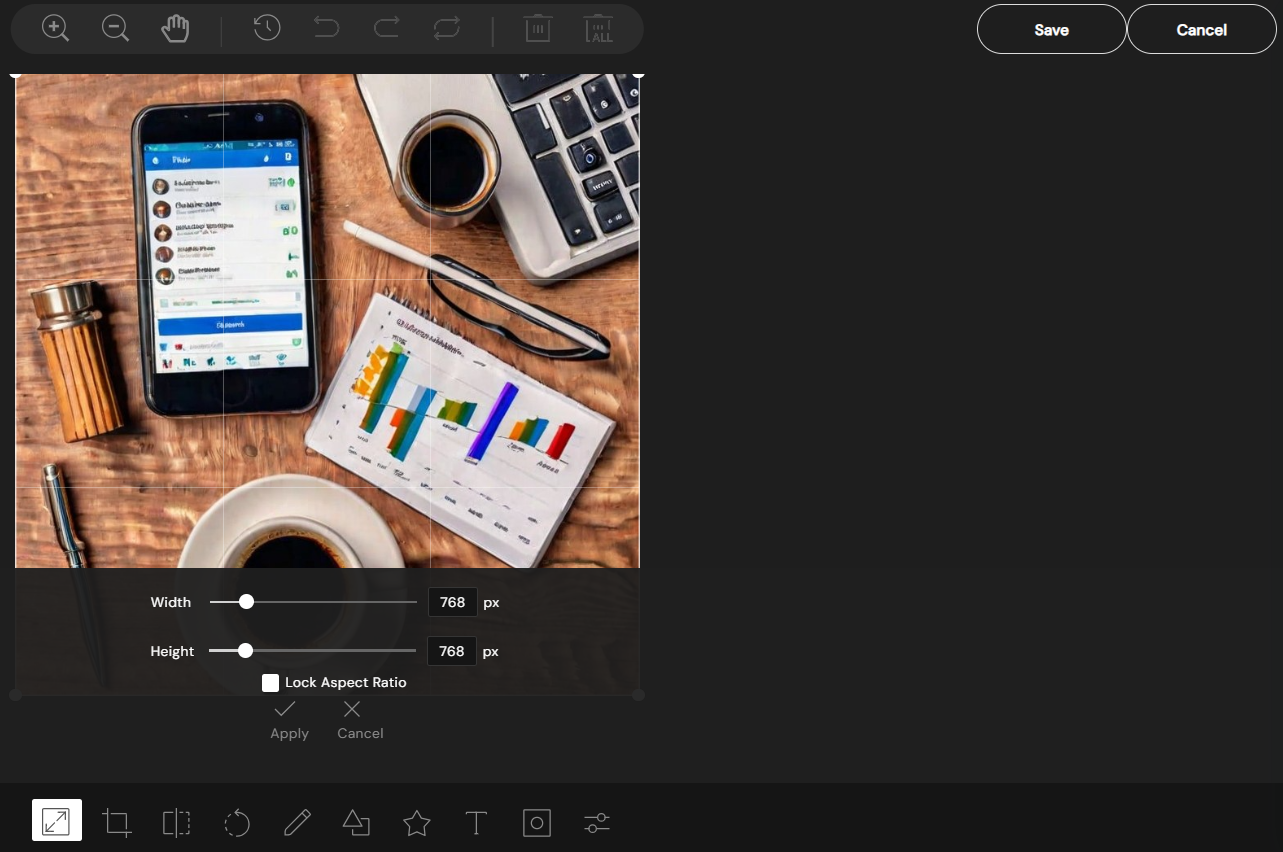
Follow these steps to edit images from within the content composer using the Image Editor.
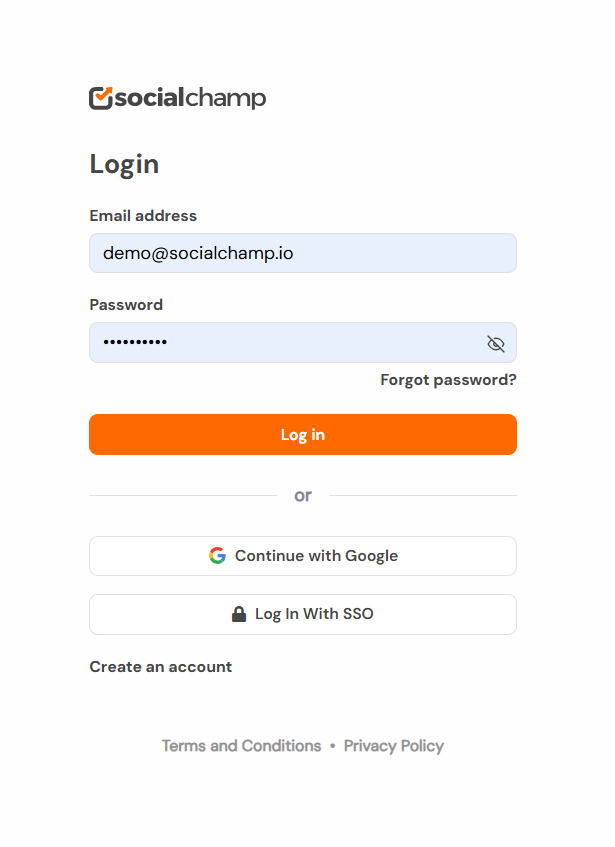
1. Log in to your Social Champ’s account or sign up for a new one.
2. Once you are on the Social Champ dashboard, select your preferred social media profiles from the top drop-down.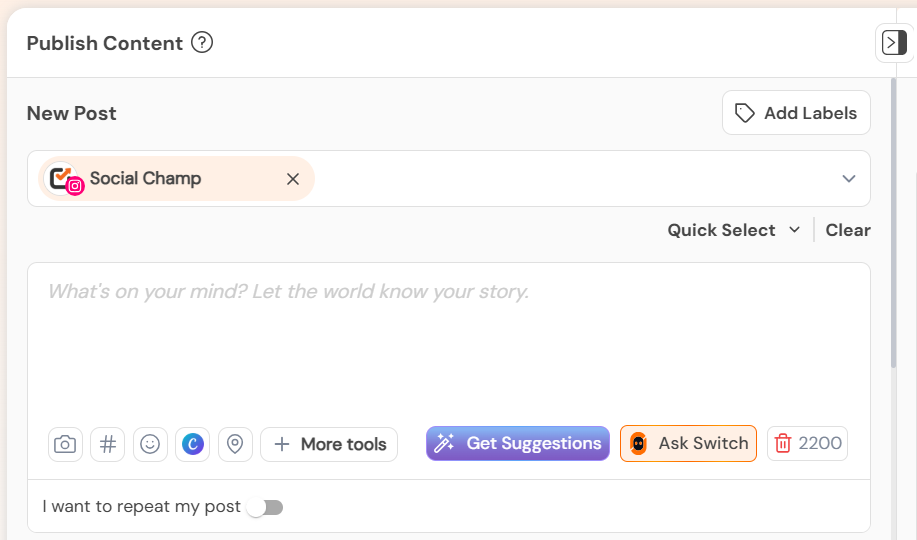
3. Now create a post, and upload an image. Next, tap on the ‘edit media’ button. 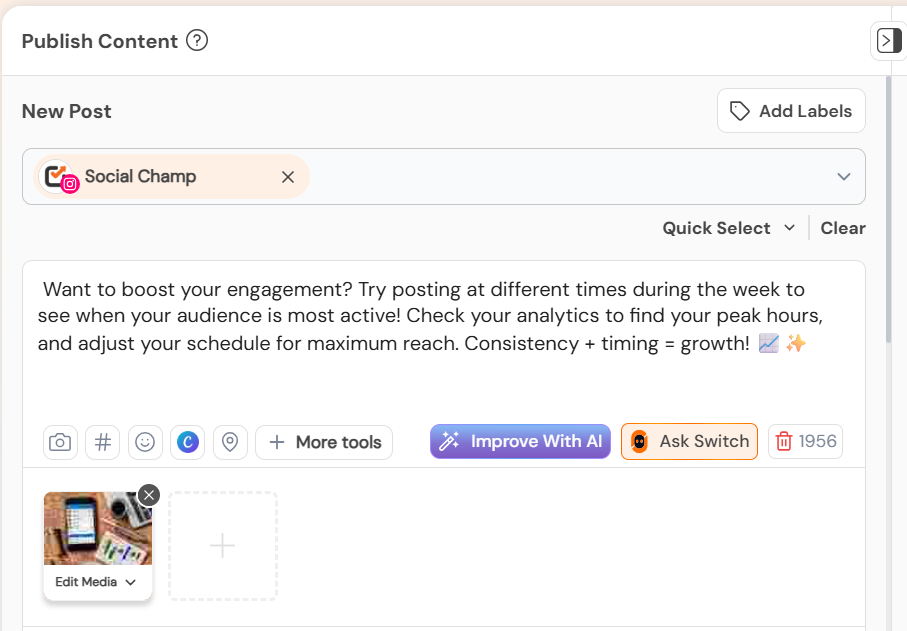
8. Next, tap on the ‘edit media’ button. Select “Edit in Editor” option.
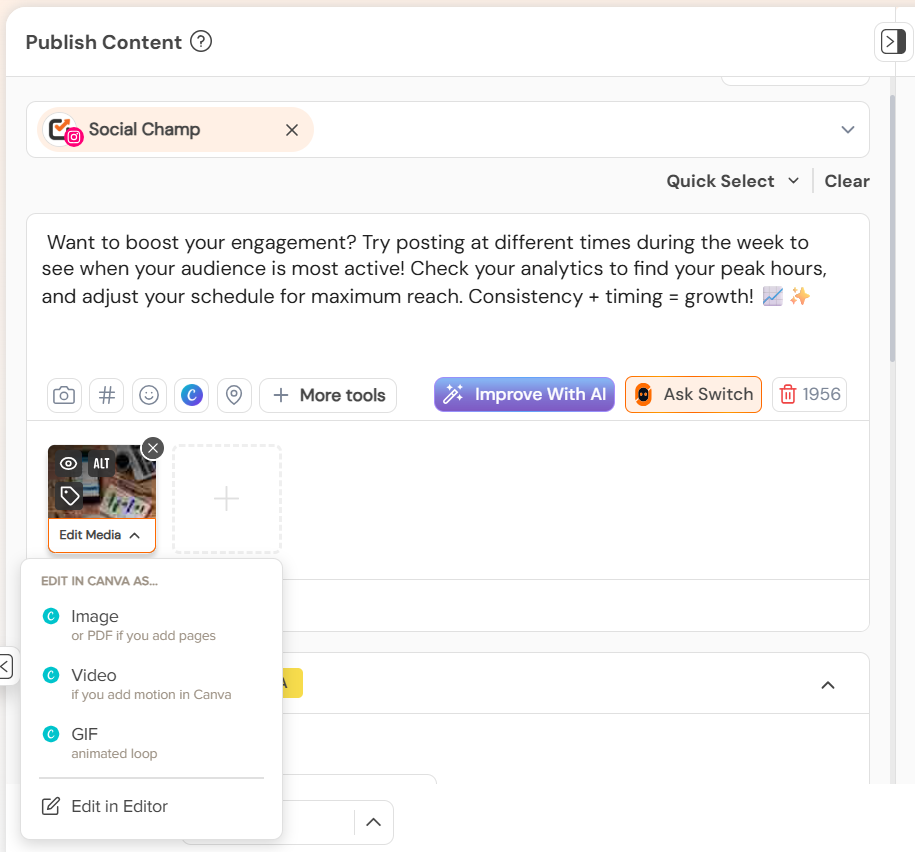
9. You can edit the image with different settings, and click on Save.
FAQs
What is Social Champ?
Social Champ is a social media management tool to conquer all digital platforms. An innovative solution that helps you intelligently publish your content to maximize exposure.
What pricing plans does Social Champ offer?
Social Champ offers Four pricing plans: Professional Plan, Champion Plan, Business Plan, and Agency Plan.
Which social media networks are integrated with Social Champ?
Facebook (Pages & Groups), Twitter, LinkedIn (Profiles & Pages), Instagram (Reminders & Business), Pinterest, and Google My Business.
What are the requirements for uploading images to Twitter?
Twitter allows uploading 1-4 images per post with a maximum size of 5MBs per image in JPG and PNG formats. The maximum dimensions allowed is 8192×8192.
What are the requirements for uploading images to Facebook?
Facebook allows uploading 1-4 images per post with a maximum size of 12MBs per image in JPG and PNG formats.
What are the requirements for uploading images to LinkedIn profile?
LinkedIn Profiles allow uploading 1 image per post with a maximum size of 12MBs per image in JPG and PNG formats.
What are the requirements for uploading images to LinkedIn page?
LinkedIn Pages allow uploading 1 image per post with a maximum size of 12MBs per image in JPG and PNG formats.
What are the requirements for uploading images to Pinterest?
Pinterest allows uploading 1 image per post with a maximum size of 12MBs per image in JPG and PNG formats.
What are the requirements for uploading images to Instagram Personal/Professional account (Instagram Stories)?
Instagram Personal accounts allow uploading 1 image per post with a maximum size of 12MBs per image in JPG and PNG formats.
What are the requirements for uploading images to Instagram Business account (Instagram Direct Posting)?
Instagram Business accounts allow uploading 1 image per post with a maximum size of 8MBs per image in JPG and PNG format. The aspect ratio should be between is 4:5 and 1.91:1 or 1:1 (Square).
What are the requirements for uploading images to Google My Business via Social Champ?
Google My Business (GMB) allows uploading 1 image per post with a maximum size of 12MBs per image in JPG and PNG formats.
Does Social Champ offer Lifetime Deals?
Social Champ occasionally offers Lifetime Deals. Our current offers can be viewed here or for any more information contact us.
How can a Social Champ account be deleted?
Connect with our customer support for any issues or from Social Champ’s account settings, an account can be deleted.
Hello Champs! Each social media platform has its own set of recommended formats and sizes for uploading media (images, videos, Read more
Feature Media Library is a recent addition to the existing set of integrations available at Social Champ. It can significantly Read more
Canva integration with Social Champ is indeed a powerful addition to the tool. You can now create, edit, and schedule Read more
Note: This guide is based on an earlier version of Social Champ. Some steps or features may have changed. Please Read more