
Keeping your login credentials up-to-date ensures your Social Champ account remains secure and accessible. Follow these steps to change your email address or password:
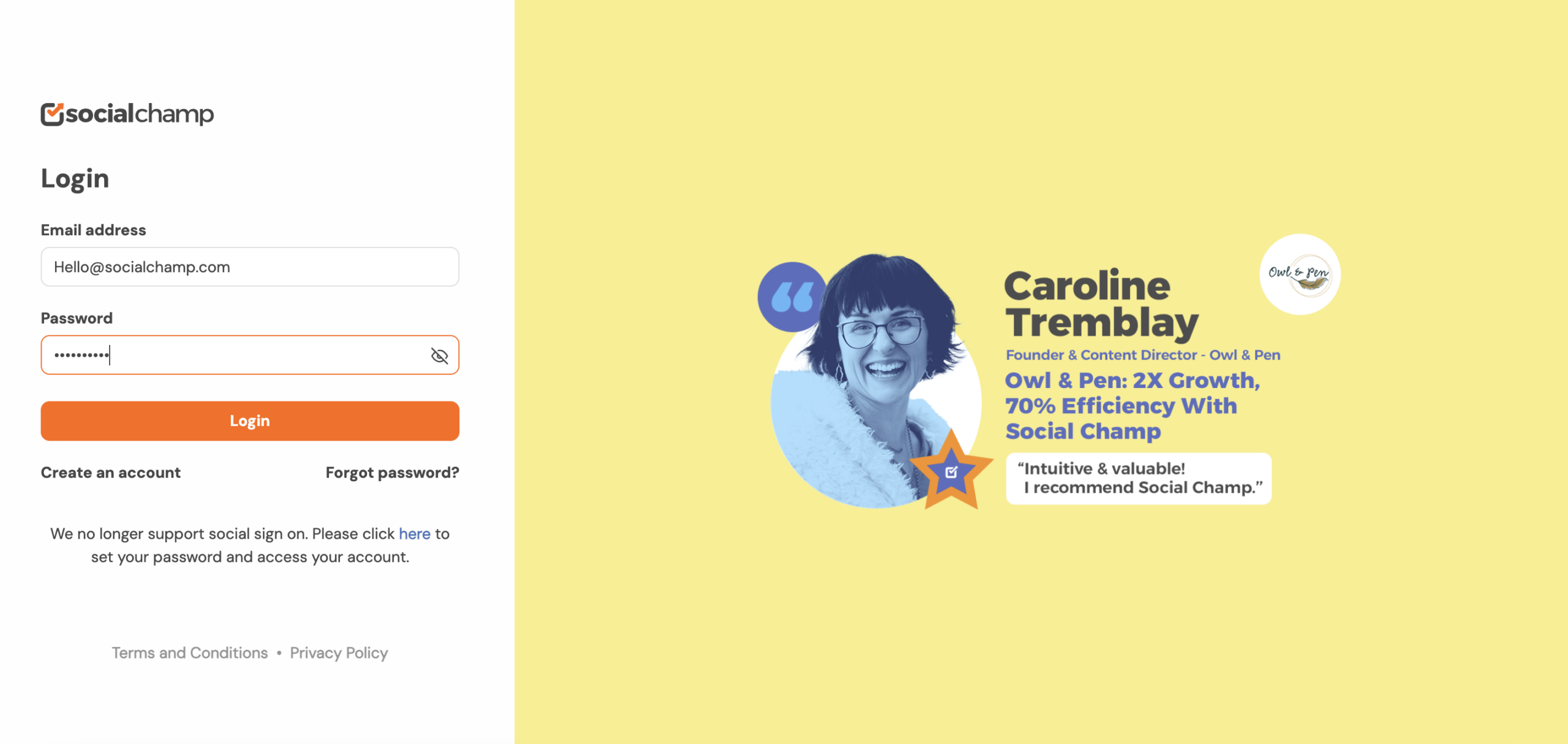
1. Log In to Your Account
- Open Social Champ in your web browser.
- Enter your current email address and password on the login page.
- Click Login to access your account.
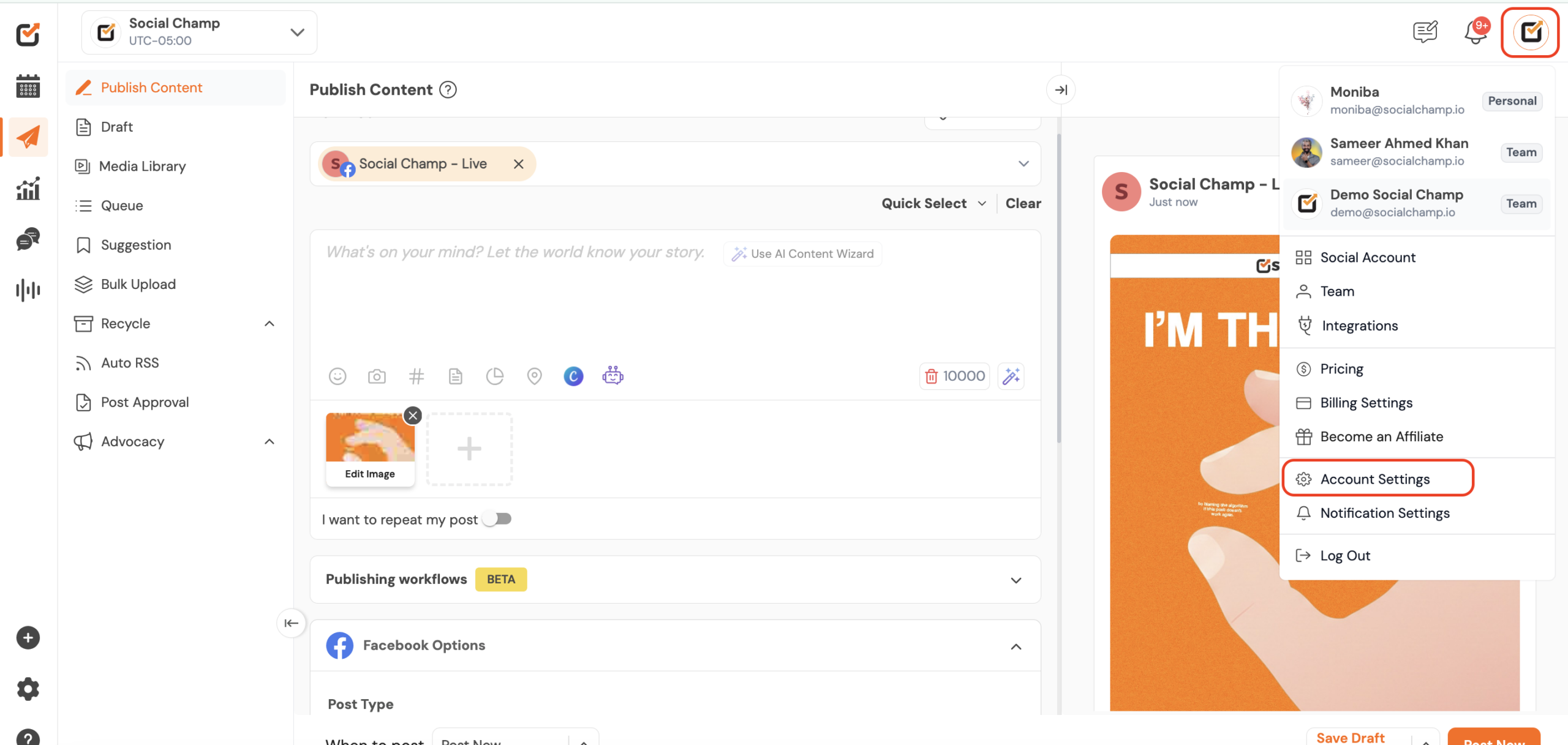
2. Access Account Settings
- Once you’re logged in, locate your profile icon in the top-right corner of the dashboard.
- Click on the profile icon to open a dropdown menu.
- Select Account Settings from the options provided.
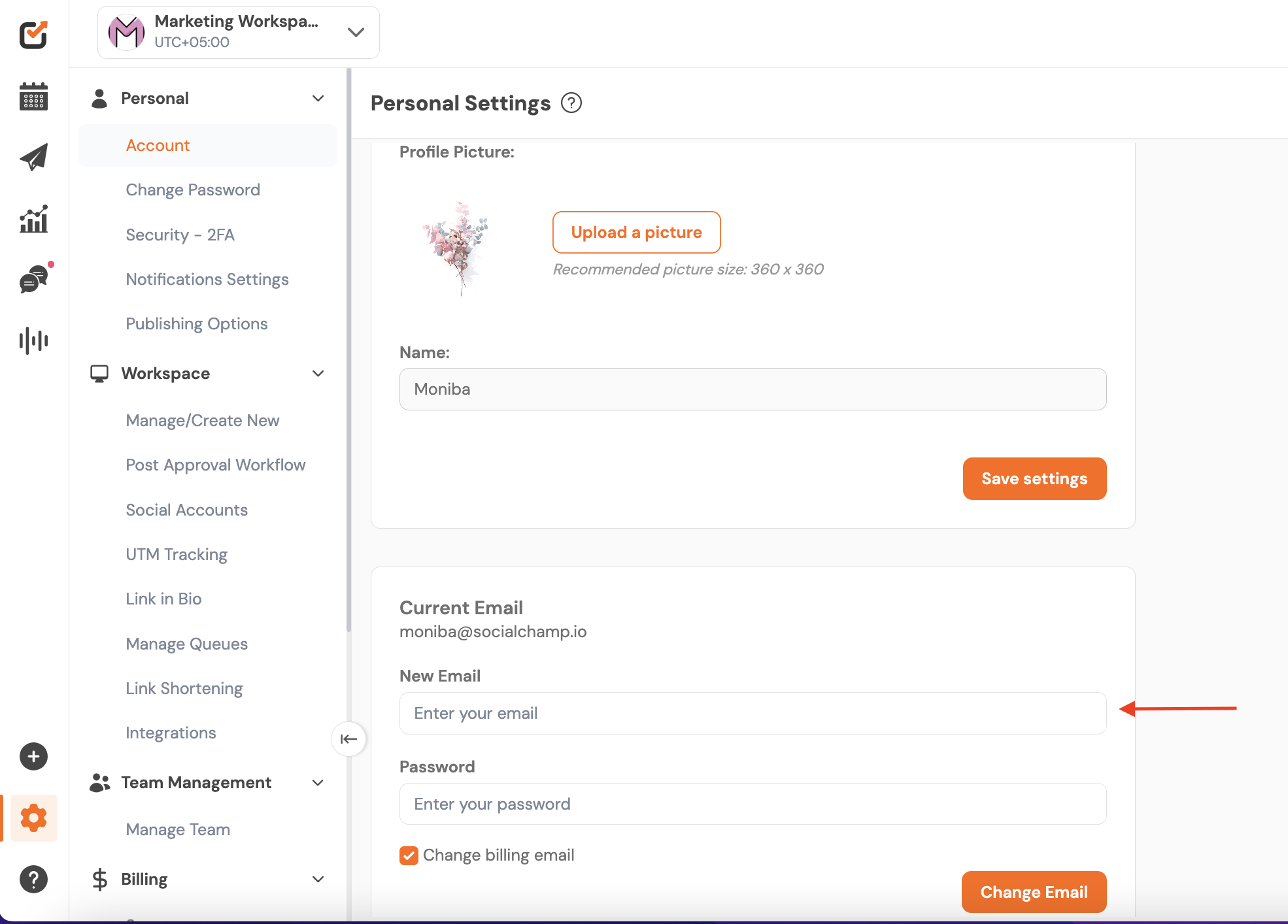
3. Change Your Email Address
- In the Account Settings, find the field for new email address Enter your new email address and confirm any required changes.
- You need to enter your current password to verify the change.
- Click Change Email to update your email address
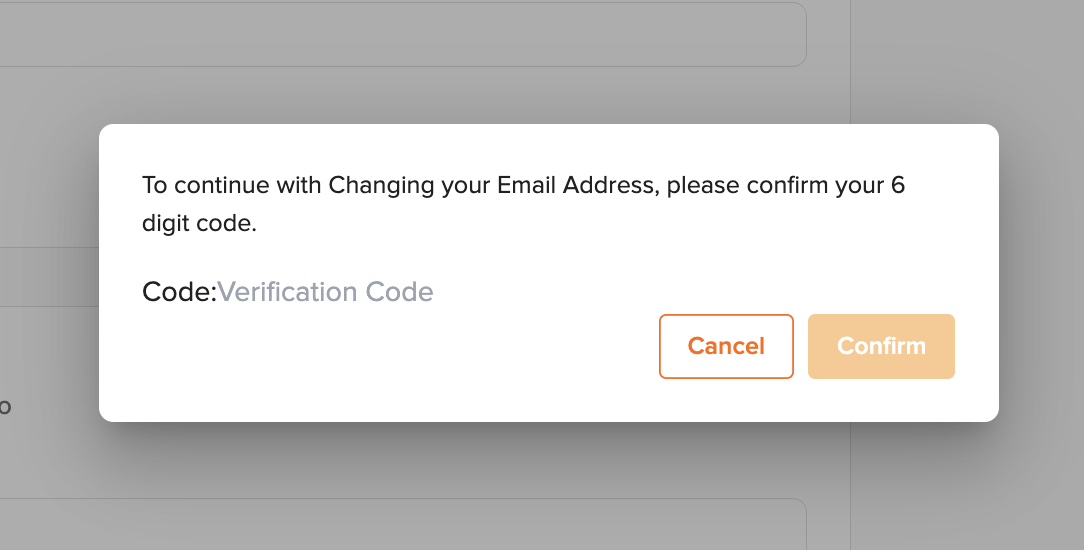
- Check your new Email inbox for the verification code. Enter the code on Social Champ to confirm the change.
4. Change Your Password
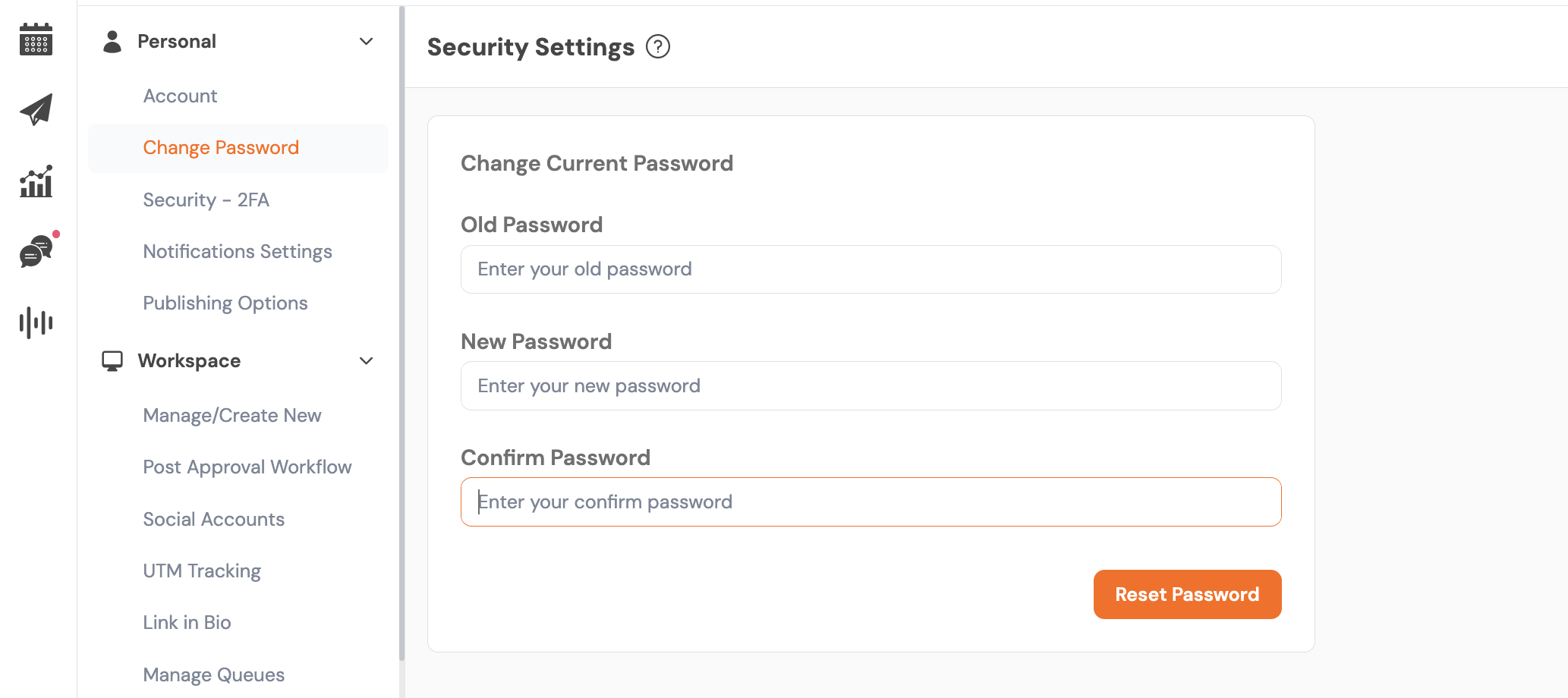
- Navigate to the Change Password section in Account Settings.
- Enter your current/old password in the specified field.
- Create a new password and enter it in the designated fields. Ensure your new password meets security requirements
- Click Reset Password to apply the new password.
- Log out of your account to test the new password and confirm the change.
Troubleshooting
- Didn’t receive a confirmation email? Check your spam or junk folder. If it’s not there, verify the email address you entered and try resending the confirmation.
- Forgot your password? Use the Forgot Password option on the login page to initiate a reset. Follow the instructions sent to your registered email.
Get the Support you need
Having trouble? Got a question? We’re here to support you every step of the way. Simply email us at [email protected], and we’ll get back to you.
Hey Champs! Did you know you can get started with Social Champ absolutely FREE? That’s right, sign up for our Read more
Successfully managing multiple social media accounts and collaborating with your team are fundamental to an impactful social media strategy. Social Read more
You can easily add your payment card details to Social Champ without activating any subscription. Just follow the steps below: Read more
Note: This guide is based on an earlier version of Social Champ. Some steps or features may have changed. Please Read more