
Hey Champ! Do you want to remove your social media account from Social Champ? Follow this step-by-step guide to learn how it works.
Let’s get started,
- When you log into your Social Champ account, you will land on the content dashboard.
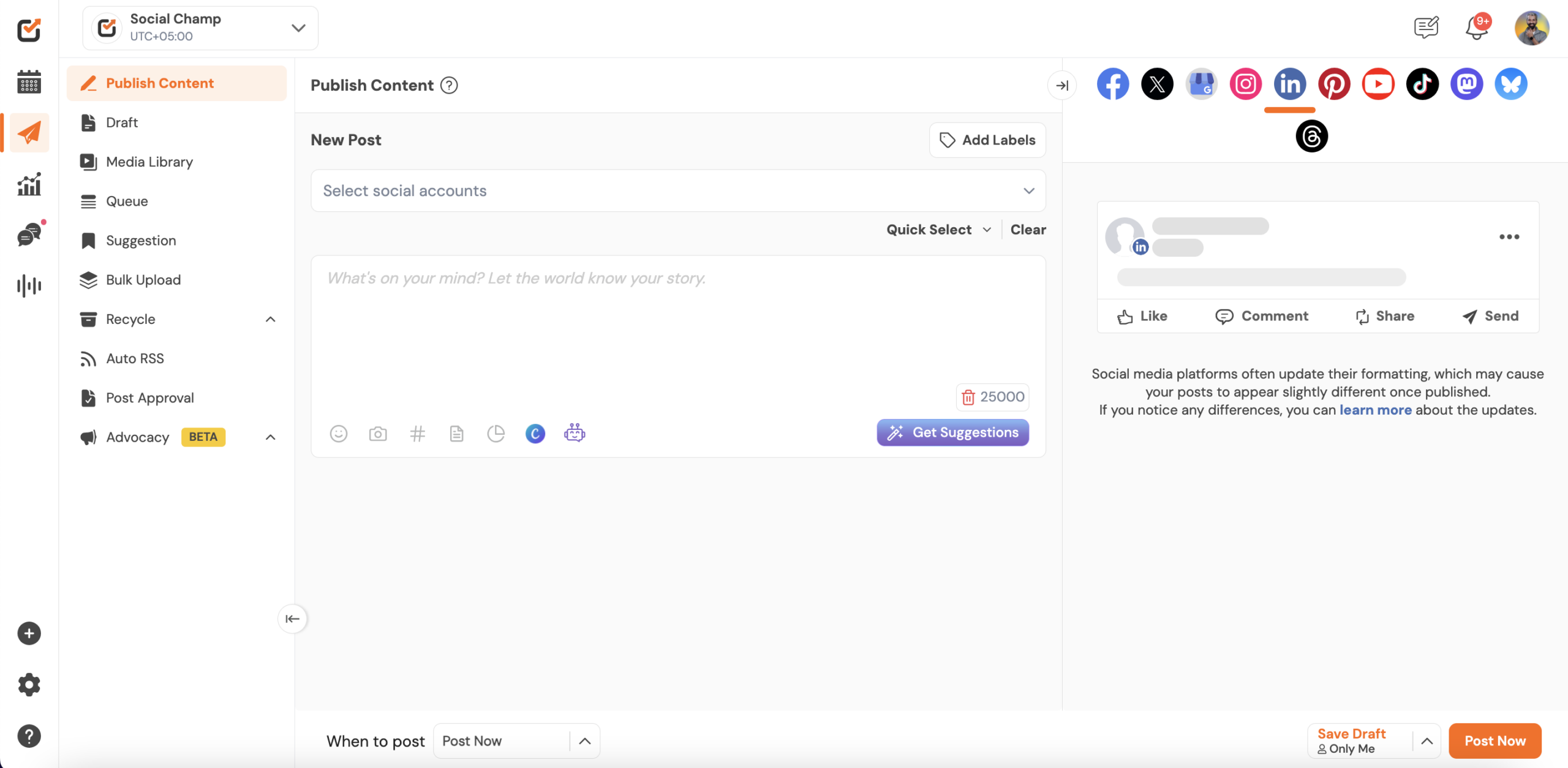
- Navigate to the left pane and select ”settings”, then navigate to ”Manage Account”.
Click the ”Remove Account” button located on the social account you want to remove.
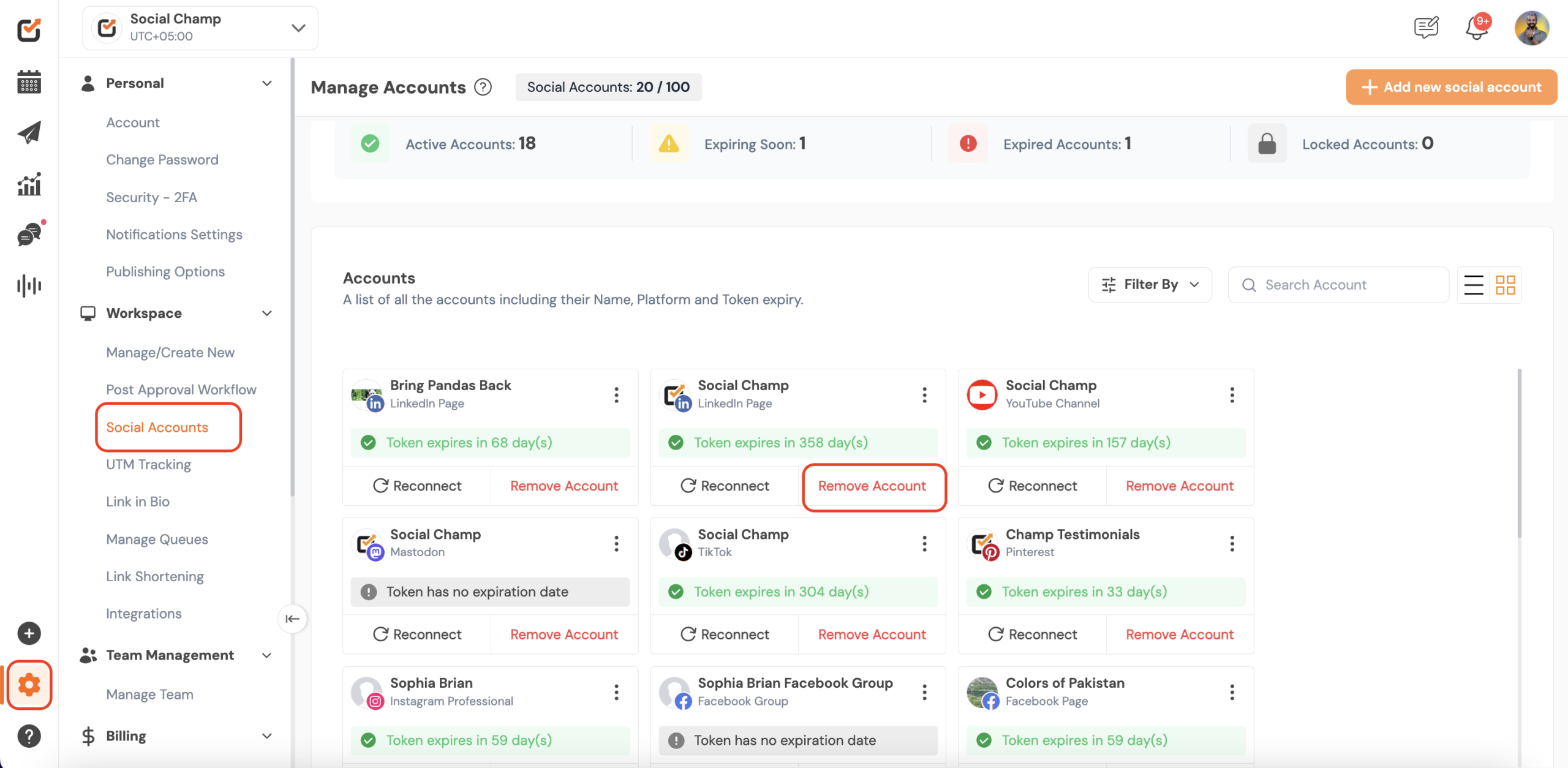
That’s all Champs! Now you know how to remove a Social Account connected with Social Champ!
Get the Support you need
Having trouble? Got a question? We’re here to support you every step of the way. Simply email us at [email protected] and we’ll get back to you.
Hey Champ! Ready to start scheduling your YouTube videos and Shorts like a pro? Let’s get your channel synced with Read more
Hey Champs! Social Champ now integrates with Mastodon, allowing you to manage your decentralized social network seamlessly. Let's get started Read more
Hey Champs! Need to refresh your social media account information in Social Champ? Re-syncing allows Social Champ to fetch the Read more
Hey Champs! Are you looking for a way to schedule and automate your YouTube videos? Well, look no further, Social Read more