
If you no longer need your paid Social Champ plan, you can easily cancel it through your billing settings. This guide will walk you through each step to ensure a smooth and hassle-free cancellation process.
- Log in to your Social Champ account. Use your registered email and password to access your dashboard.
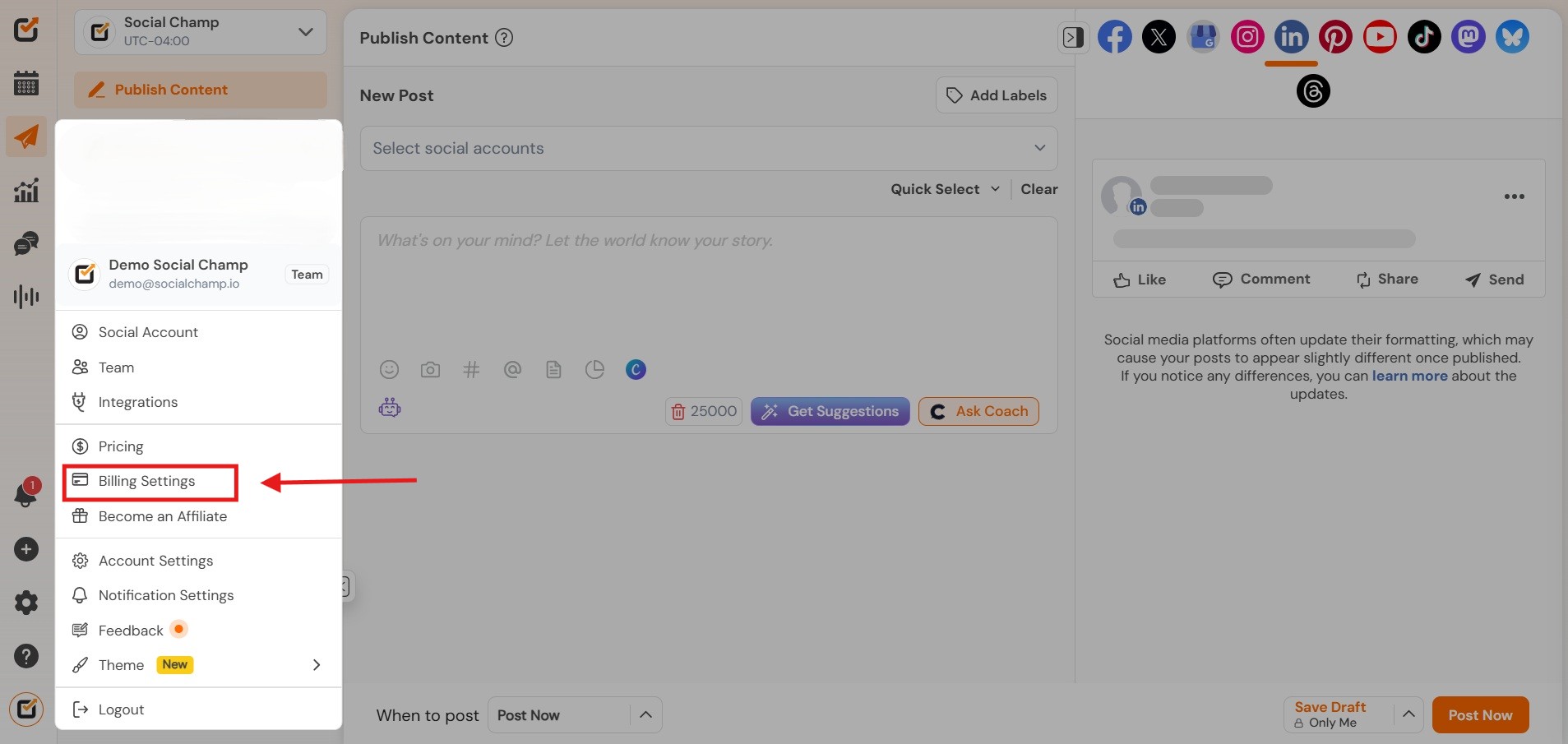
- Click on your profile icon in the bottom-left corner of the dashboard. Select “Billing Settings” from the dropdown menu.
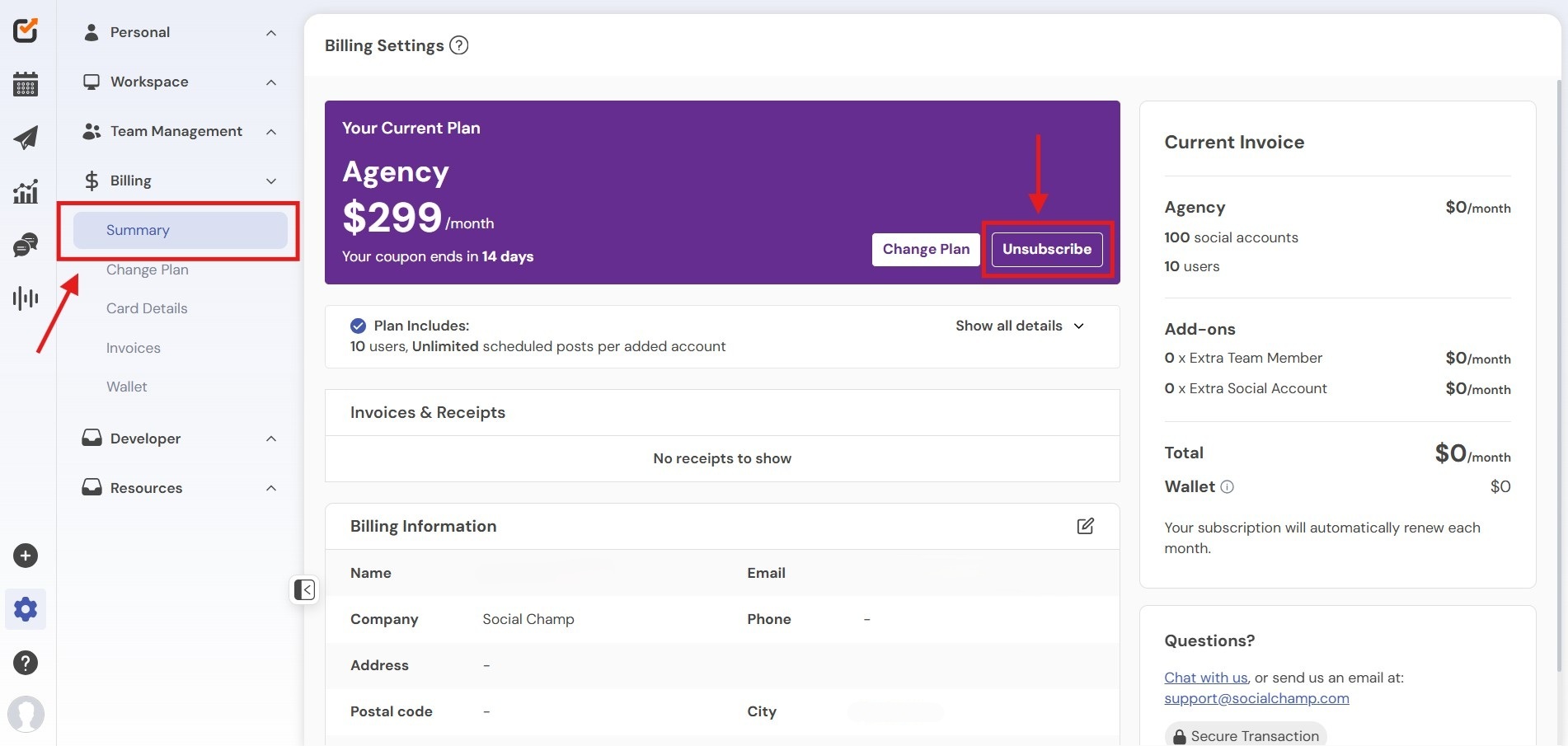
- Click the “Unsubscribe” button in the billing overview section.
- When downgrading from your current plan to the Free Plan, you’ll see a confirmation pop-up outlining the features and benefits that will no longer be available on the free tier.From this screen, you can:Continue with the Free Plan if you’d like to proceed with the downgrade.
Keep Your Current Plan if you decide not to downgrade.
See All Plans to compare available subscription options and choose the one that best fits your needs.
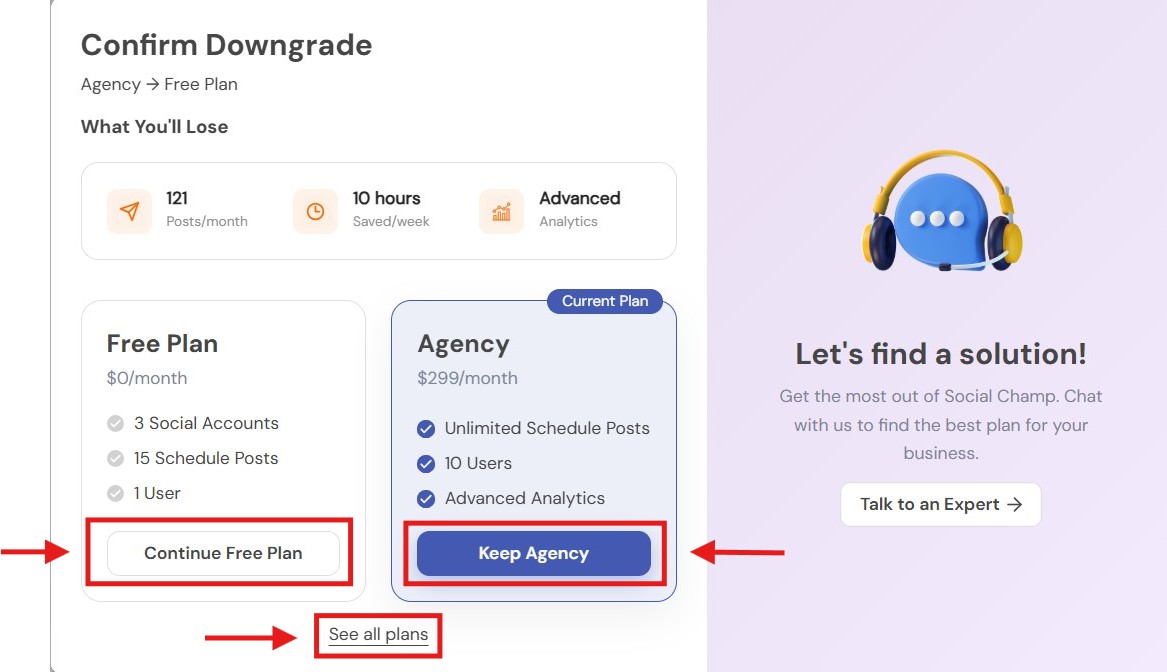
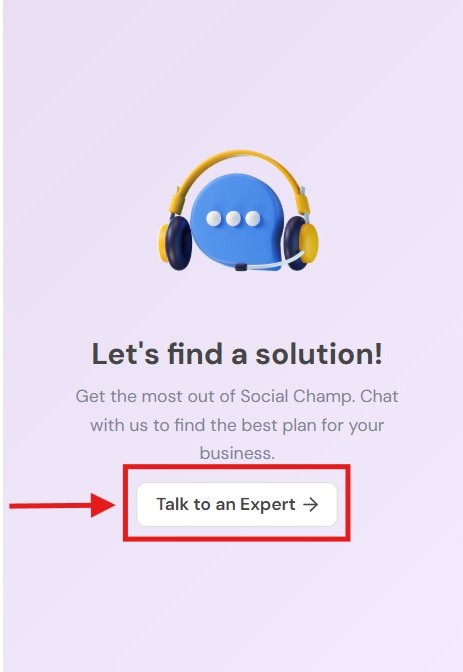
- You’ll also have the option to talk to an Expert for personalized guidance and help finding the most suitable plan for your business.
Need Help Before Leaving?
We’re here to help! If you’re canceling because of a specific issue or concern, consider reaching out to us via chat or email at [email protected]. We’d love a chance to help resolve it before you go.
Hey Champs! Did you know you can get started with Social Champ absolutely FREE? That’s right, sign up for our Read more
Successfully managing multiple social media accounts and collaborating with your team are fundamental to an impactful social media strategy. Social Read more
You can easily add your payment card details to Social Champ without activating any subscription. Just follow the steps below: Read more
Note: This guide is based on an earlier version of Social Champ. Some steps or features may have changed. Please Read more