
Hey Champs! Follow this step-by-step tutorial to connect your Instagram Professional account to Social Champ without linking it to your Facebook page.
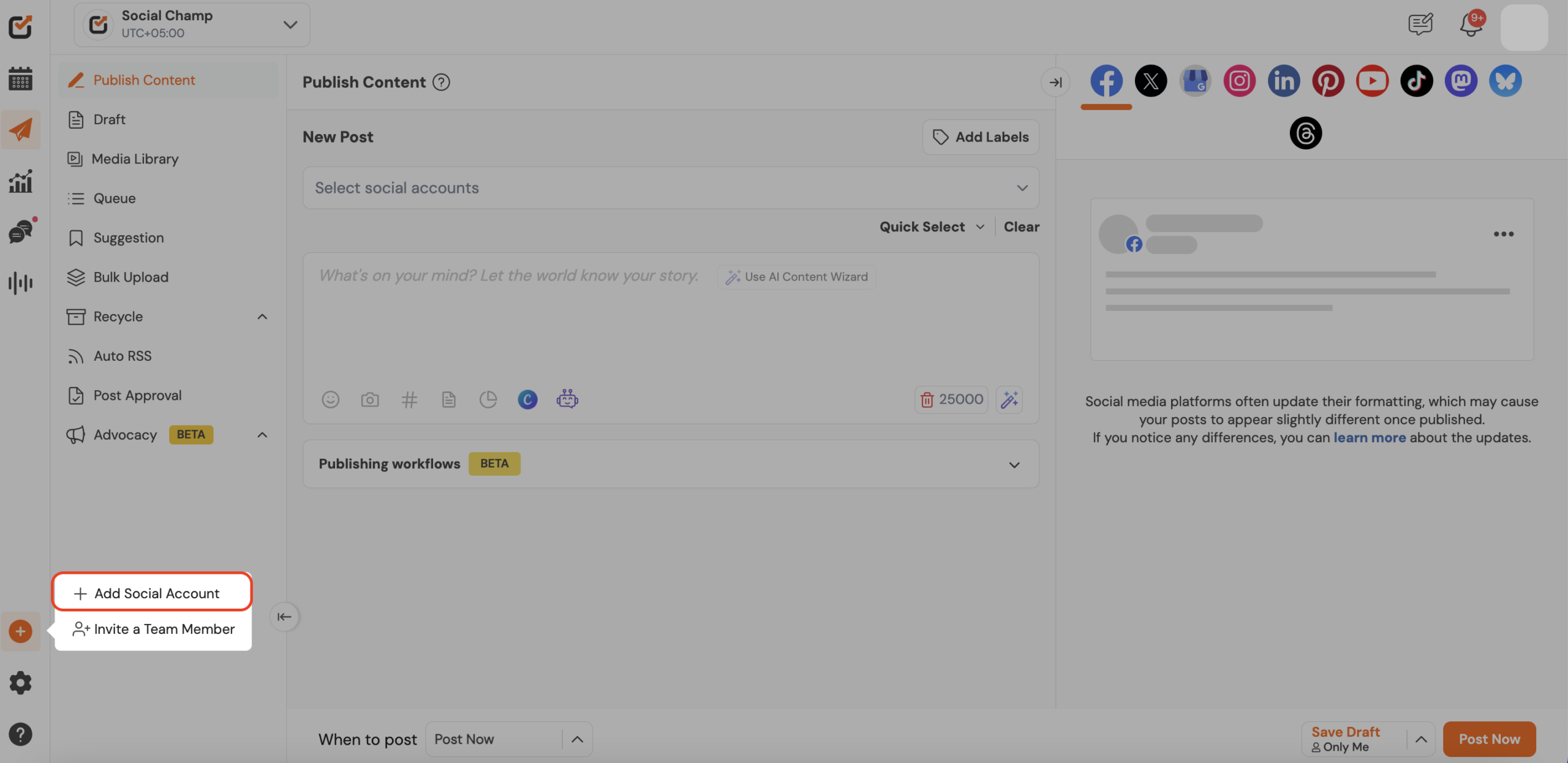
- First, log in, and you will be directed to our main Publish Content dashboard. Click the plus icon on the left panel and select “+ Add New Social Account” button.
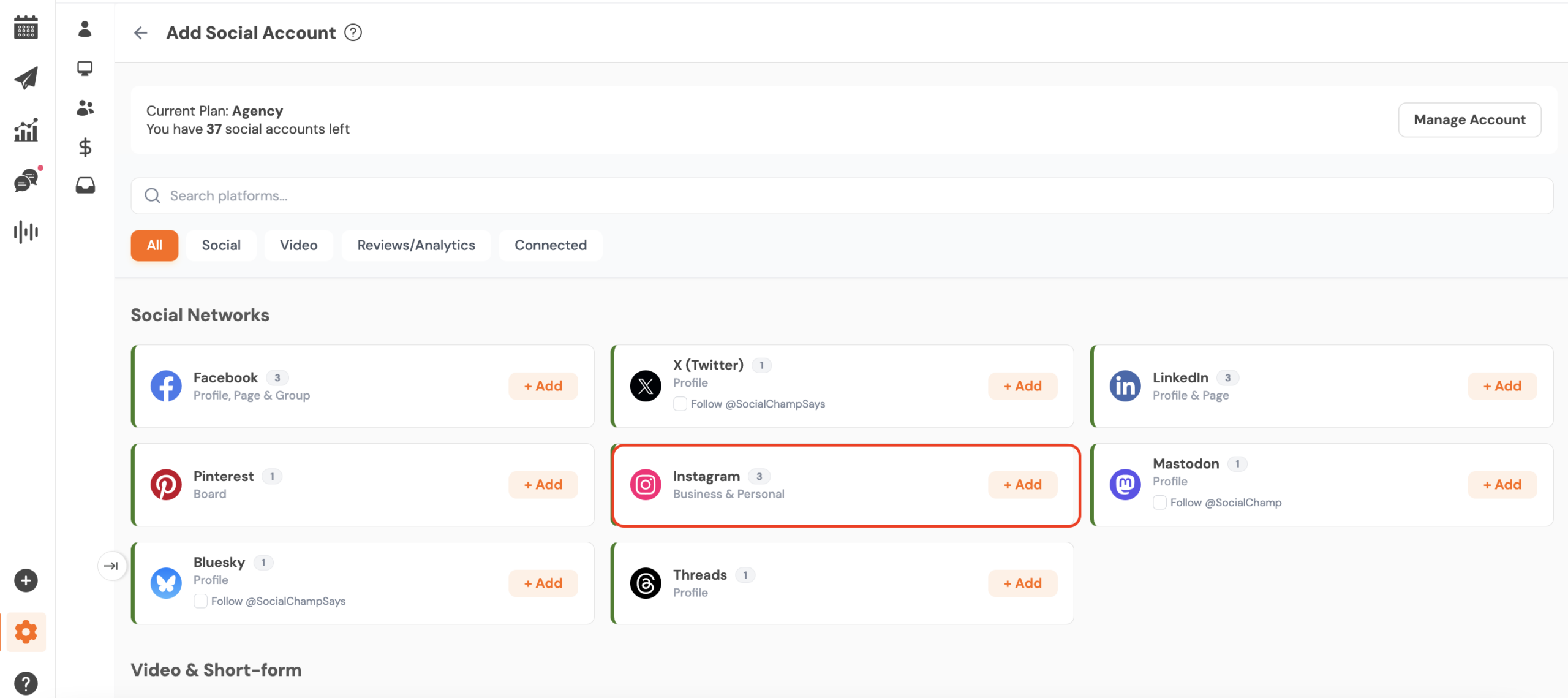
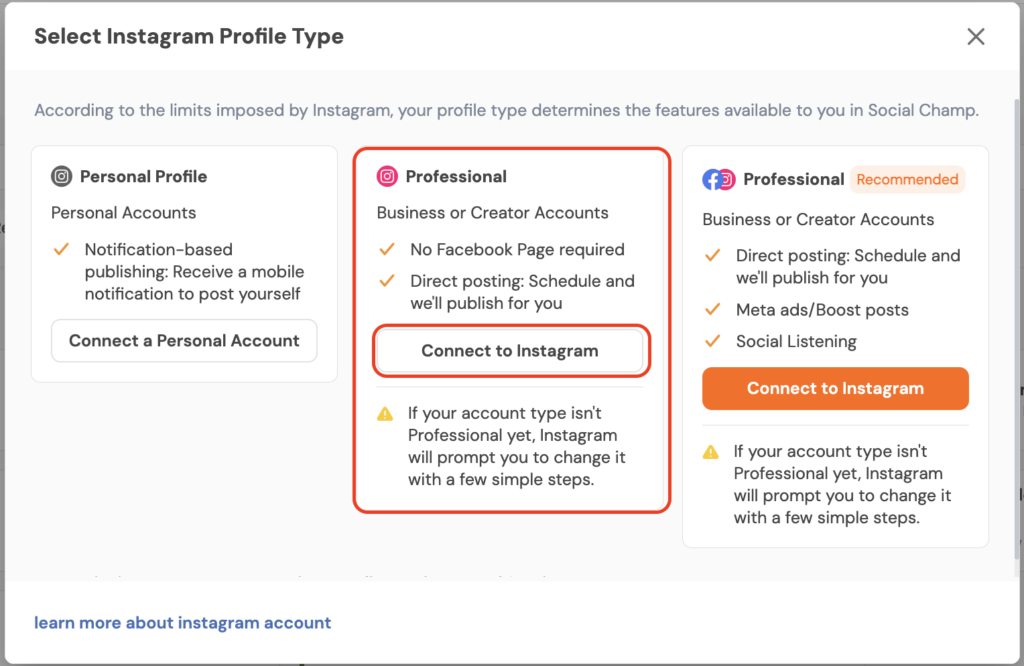
- To add a Instagram account, click ‘’Instagram’‘ and then click on the connect to Instagram under the Professional option.
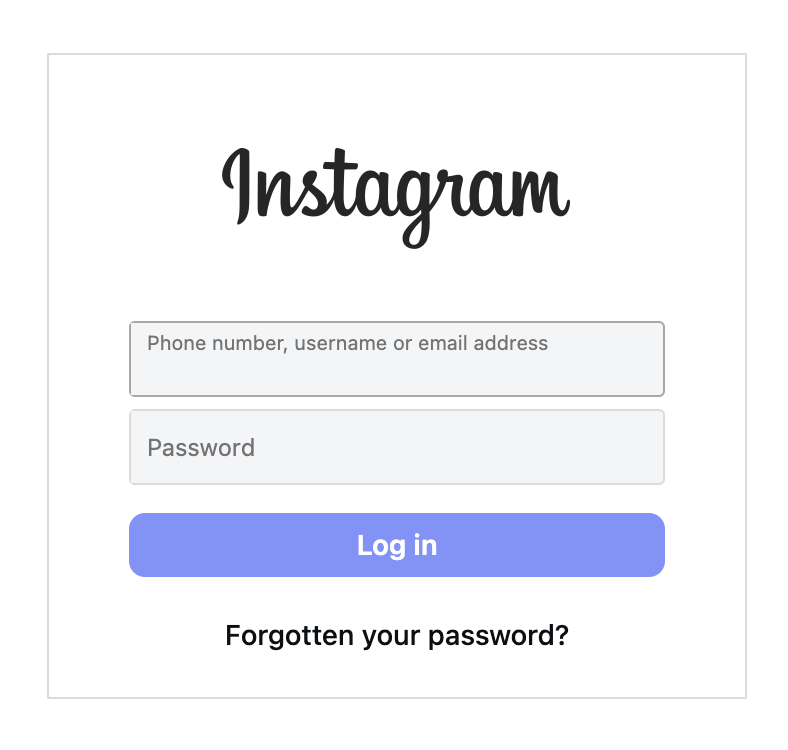
- You will be redirected to the Instagram login screen — enter your Instagram credentials (username & password) here.
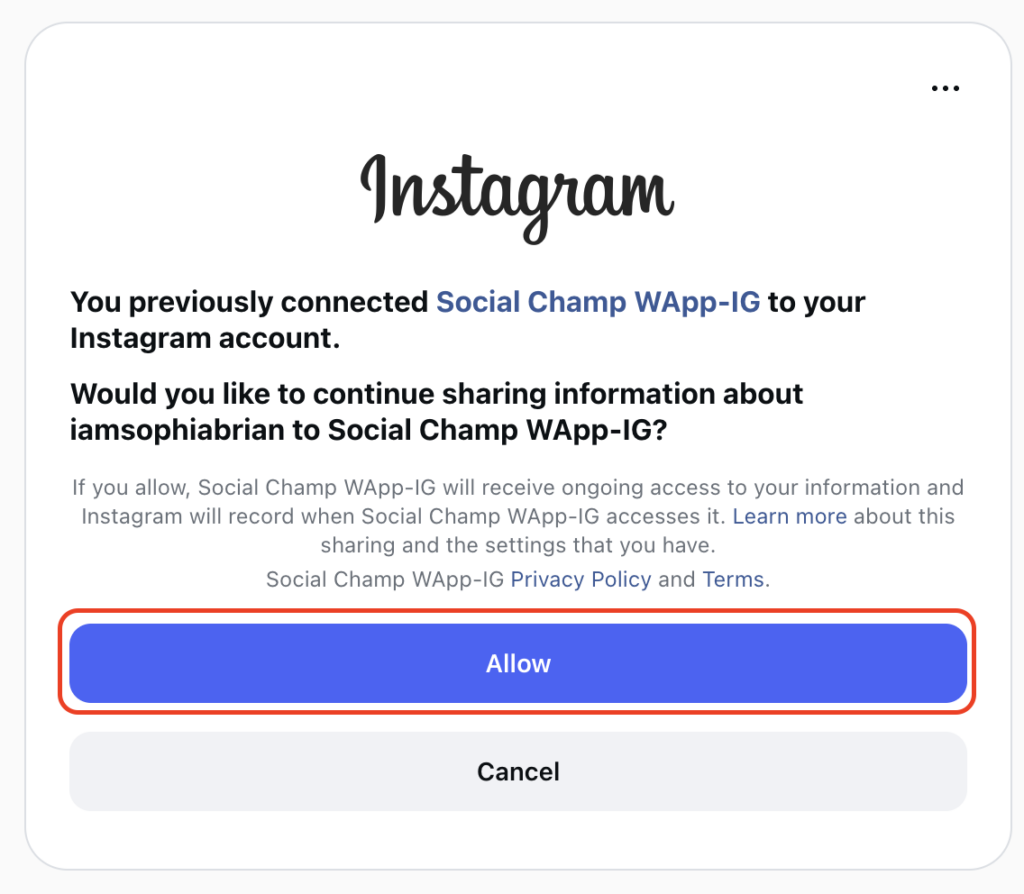
- Once logged in, Instagram will prompt you to allow Social Champ permission to manage your account.
Click Allow to proceed.
- After authorization, Social Champ will return you to the dashboard with your Instagram account now connected and ready to schedule posts.

Tadaa! You have successfully added your Instagram Professional account with out linking it to a Facebook Page.
Get the Support you need:
Having trouble? Got a question? We’re here to support you every step of the way. Simply email us at Support@socialchamp.com and we’ll get back to you.
Hey Champ! Ready to start scheduling your YouTube videos and Shorts like a pro? Let’s get your channel synced with Read more
Hey Champs! Social Champ now integrates with Mastodon, allowing you to manage your decentralized social network seamlessly. Let's get started Read more
Hey Champs! Did you just update your Profile Picture or Profile Name on your Socials, and now you would like Read more
Hey Champs! Are you looking for a way to schedule and automate your YouTube videos? Well, look no further, Social Read more