
The Content Disclosure feature in Social Champ allows you to mark posts that contain AI-generated or commercial/sponsored content. This helps maintain transparency and comply with platform guidelines.
Available Disclosure Options
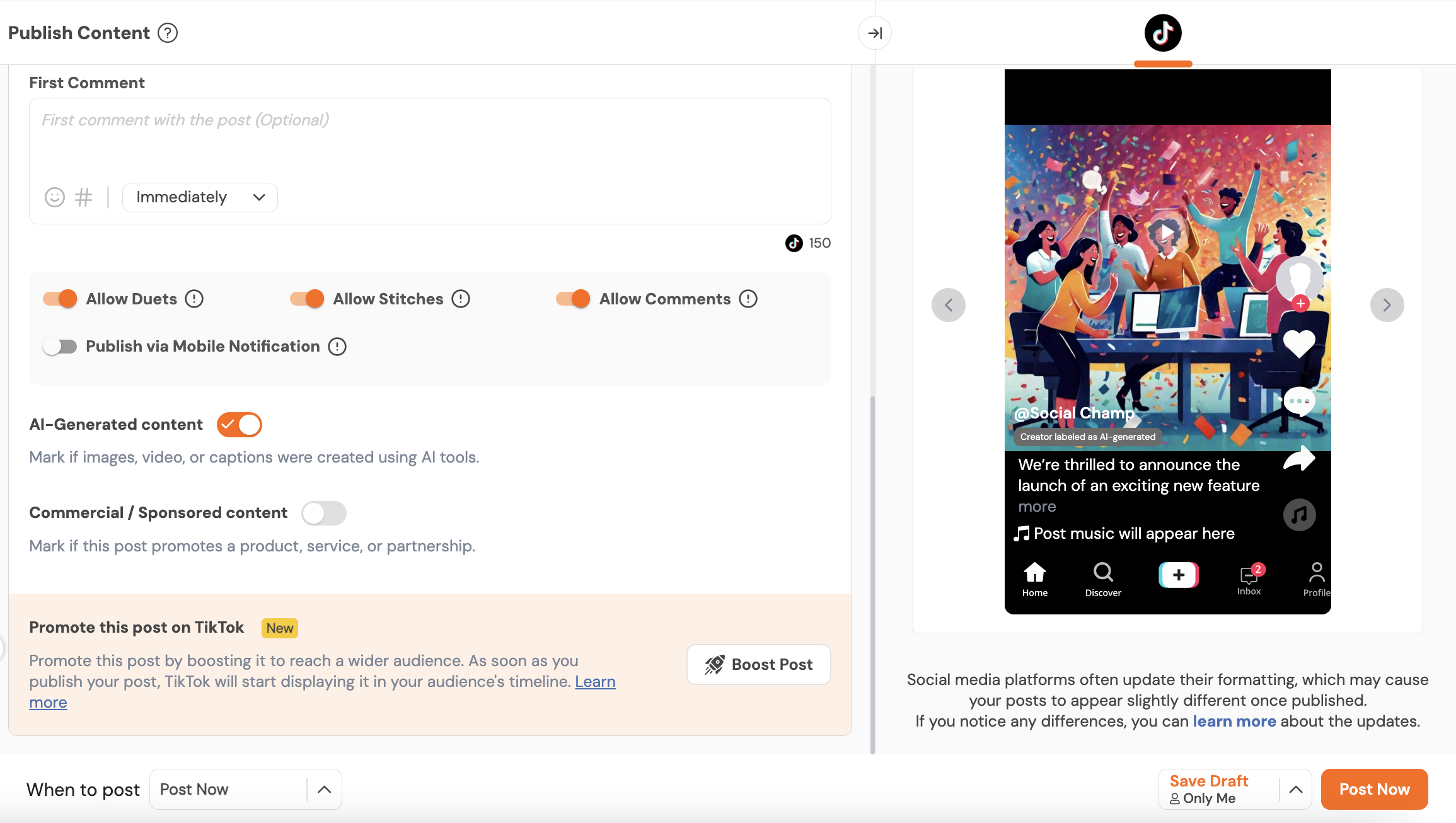
AI-Generated Content
Enable this option if your images, videos, or captions were created using AI tools.
Commercial / Sponsored Content
Enable this option if the post promotes a product, service, partnership, or paid collaboration.
How to Use It
- Go to the Content Publish Dashboard in Social Champ and select TikTok account.
- Create your post and add media if needed.
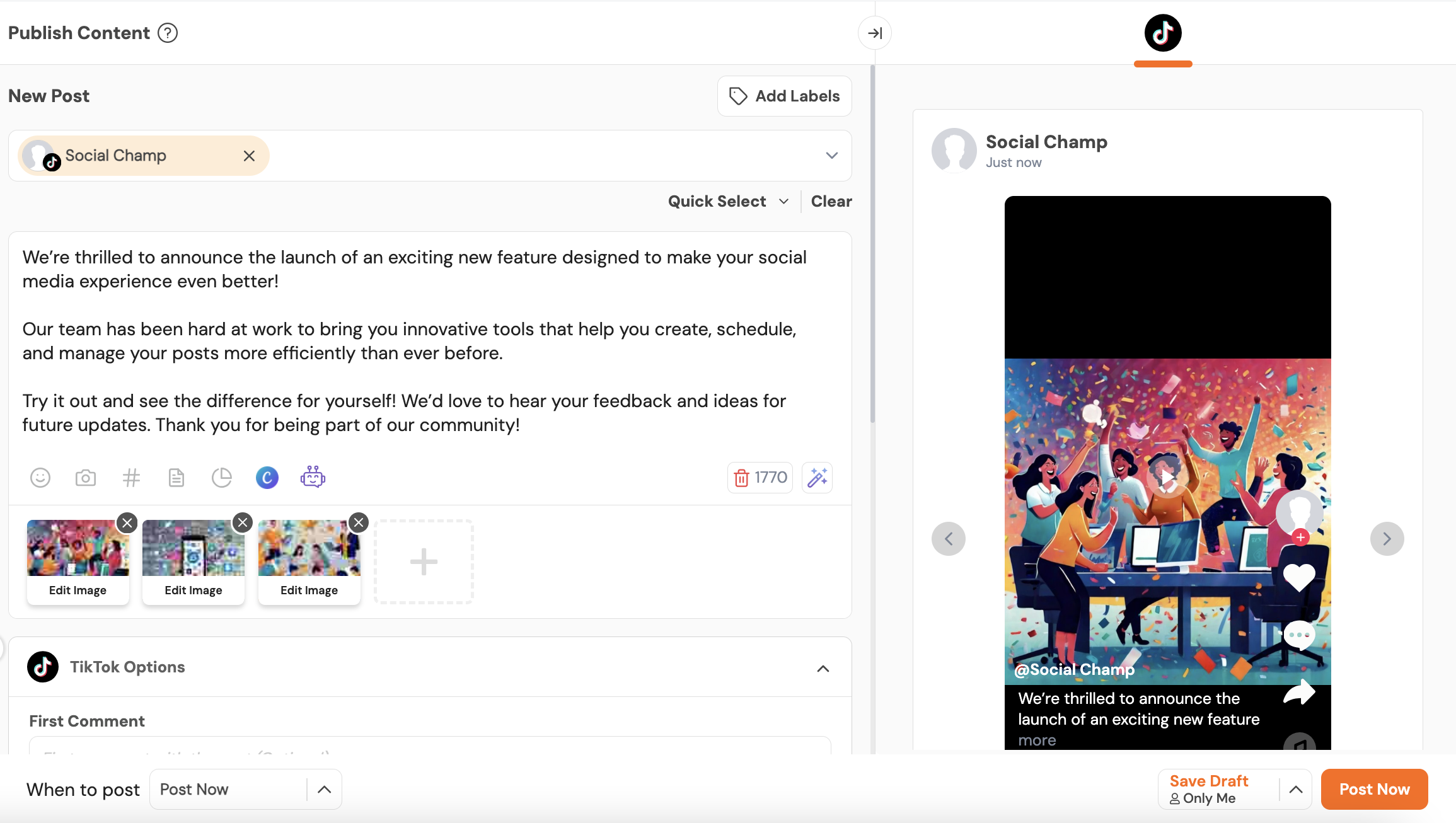
- Scroll to the Content Disclosure section and toggle AI-Generated Content or Commercial / Sponsored Content as required.
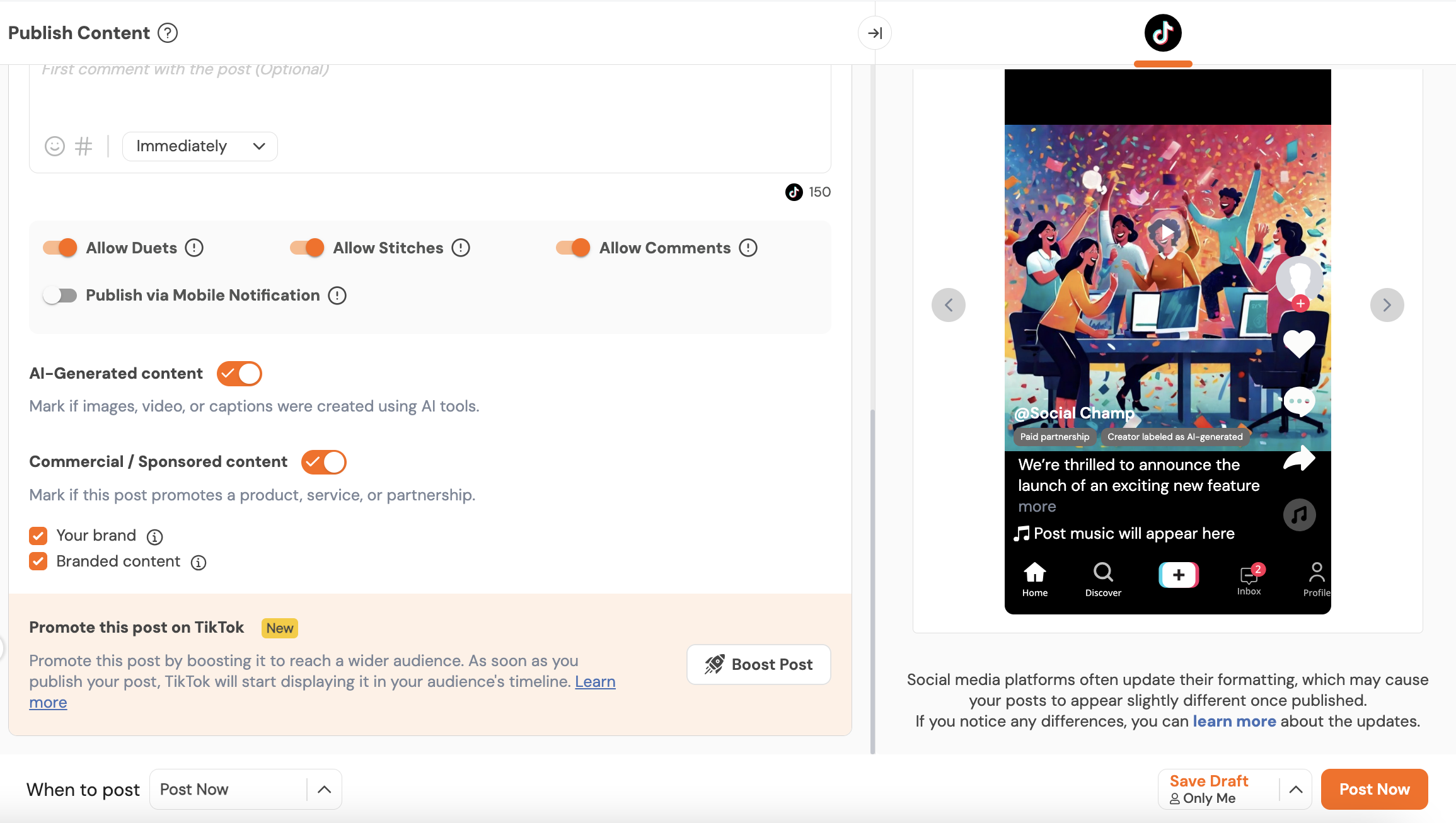
Note: For the Commercial / Sponsored content you can select, Your brand or Branded content. In case if you are selecting both of them the Branded content will over ride the other option. - Schedule or publish your post by selecting the Post Now button.
Using these labels helps ensure clear communication and compliance when sharing AI-generated or promotional content.
Get the Support you need:
Having trouble? Got a question? We’re here to support you every step of the way. Simply email us at support@socialchamp.com and we’ll get back to you.
Enhance your content strategy and engage your audience with YouTube video scheduling. Follow this step-by-step guide to schedule videos on Read more
Hey, Champs! Social Champ now introduces its much-awaited feature ‘Shareable Drafts’, which allows you to share your saved scheduled posts Read more
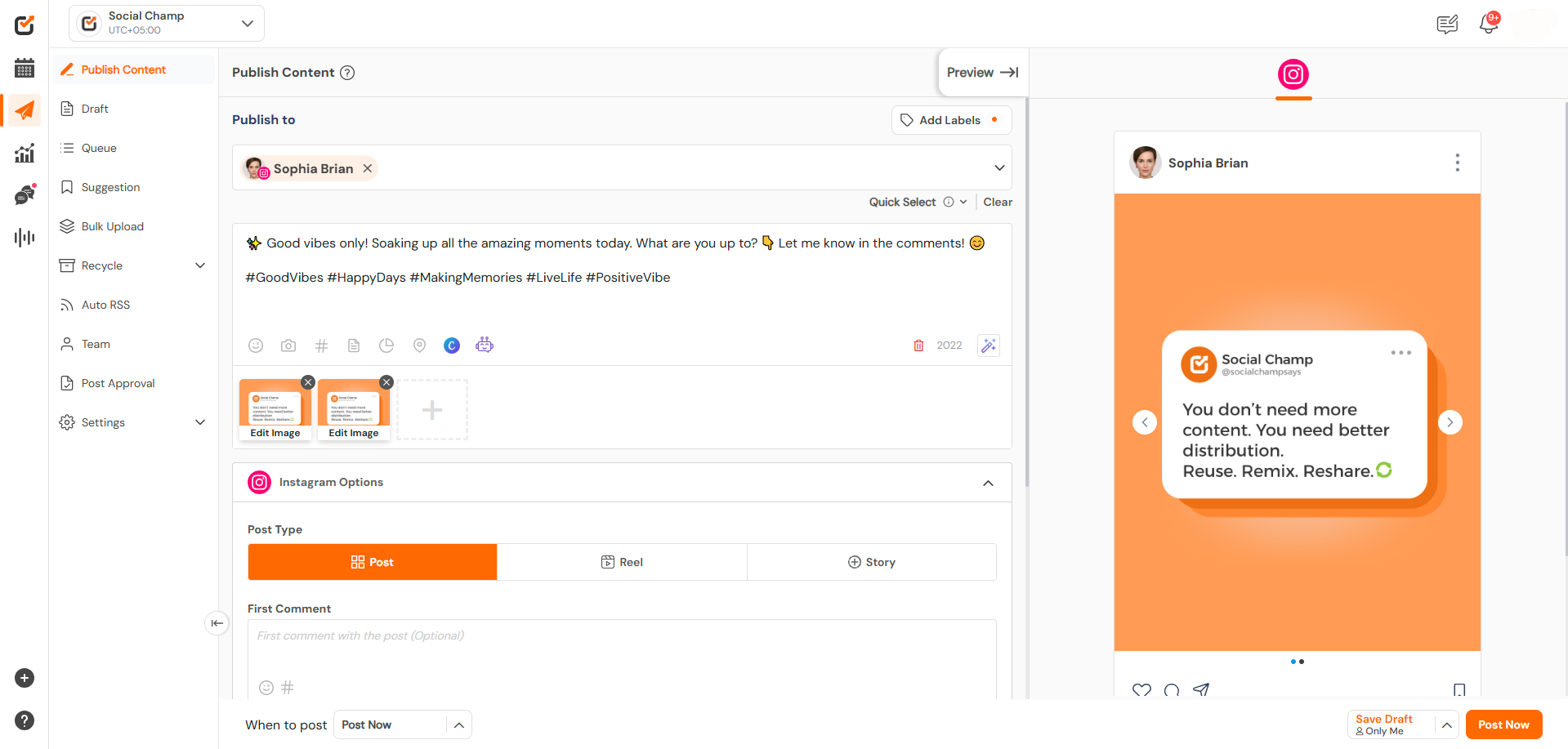
This guide will help you schedule carousel posts (multiple images) to your Instagram Business or Creator account using Social Champ. Read more
Social Champ offers a free plan and three paid plans. The number of posts you can schedule using each plan Read more