
Ready to take your TikTok game to the next level? With Social Champ, boosting posts on your TikTok Business Account is effortless! Maximize your video views, engage more followers, and watch your content hit the For You Page (FYP) with just a few clicks. Whether you’re scheduling new videos or boosting existing ones, this guide will show you step-by-step how to easily promote your posts using TikTok Spark Ads.
Boosting Posts with Social Champ
Boosting posts in Social Champ is a great way to increase your content’s visibility and engagement. Here’s how to easily boost your TikTok Business posts.
Step 1: Log in and Select Your Account
After logging in to Social Champ, you’ll land on the Publish Dashboard. From here, select the TikTok Business Account you want to boost a post from.

Step 2: Connect Your Ad Account
Before boosting, ensure your TikTok Ad Account is connected:
- Go to TikTok Ads Manager settings.
- Ensure your TikTok Business Account is authorized and linked to your ad account.
- In Social Champ, verify the connection under Settings > Manage Accounts.
Tip: For help setting up an Ad Account, refer to TikTok For Business.
Step 3: Create Your Post
- In the Compose window, upload your video and add your caption/hashtags.
- Boost Before Publishing or Scheduling: Below the Content Composer, you can boost your post before publishing or scheduling by clicking Boost Post.
Step 4: Boost a Scheduled or Published Post
If you didn’t boost before publishing, you can boost the post after scheduling or publishing:
- Navigate to the Content Calendar and locate the TikTok post you want to boost.
- Locate the post and in the top-right corner of the post, click Boost Post.
Step 5: Configure Your Boost
In the Boost Post popup, set up the following options:
- Ad Account: Choose your TikTok ad account.
- Campaign: Select a campaign. (If you’ve already created one but don’t see it, try refreshing your browser. Otherwise, feel free to create a new Campaign.)
- Audience & Reach: Manage or create your target audience (Interests, Behaviors, and Demographics).
- Budget & Duration: Set the budget and the number of days the ad will run.
Note: The amount will be charged from the Payment method you have added in your TikTok Ads Manager and not the payment method you have added on Social Champ.
- Payment Summary: Review the total amount to be spent.
Step 6: Review and Launch
- Double-check all the settings.
- Click Save to activate the promotion.
FAQs:
Can I Boost scheduled TikToks? Yes, you can boost posts both before and after they’re scheduled.
What is a Spark Ad? Social Champ uses the Spark Ads format, which allows you to boost organic TikTok videos so that all likes and comments stay on the original video.
Can my team members Boost the post? Only Admin, Editor, and Owner roles can Boost the posts.
Enhance your content strategy and engage your audience with YouTube video scheduling. Follow this step-by-step guide to schedule videos on Read more
Hey, Champs! Social Champ now introduces its much-awaited feature ‘Shareable Drafts’, which allows you to share your saved scheduled posts Read more
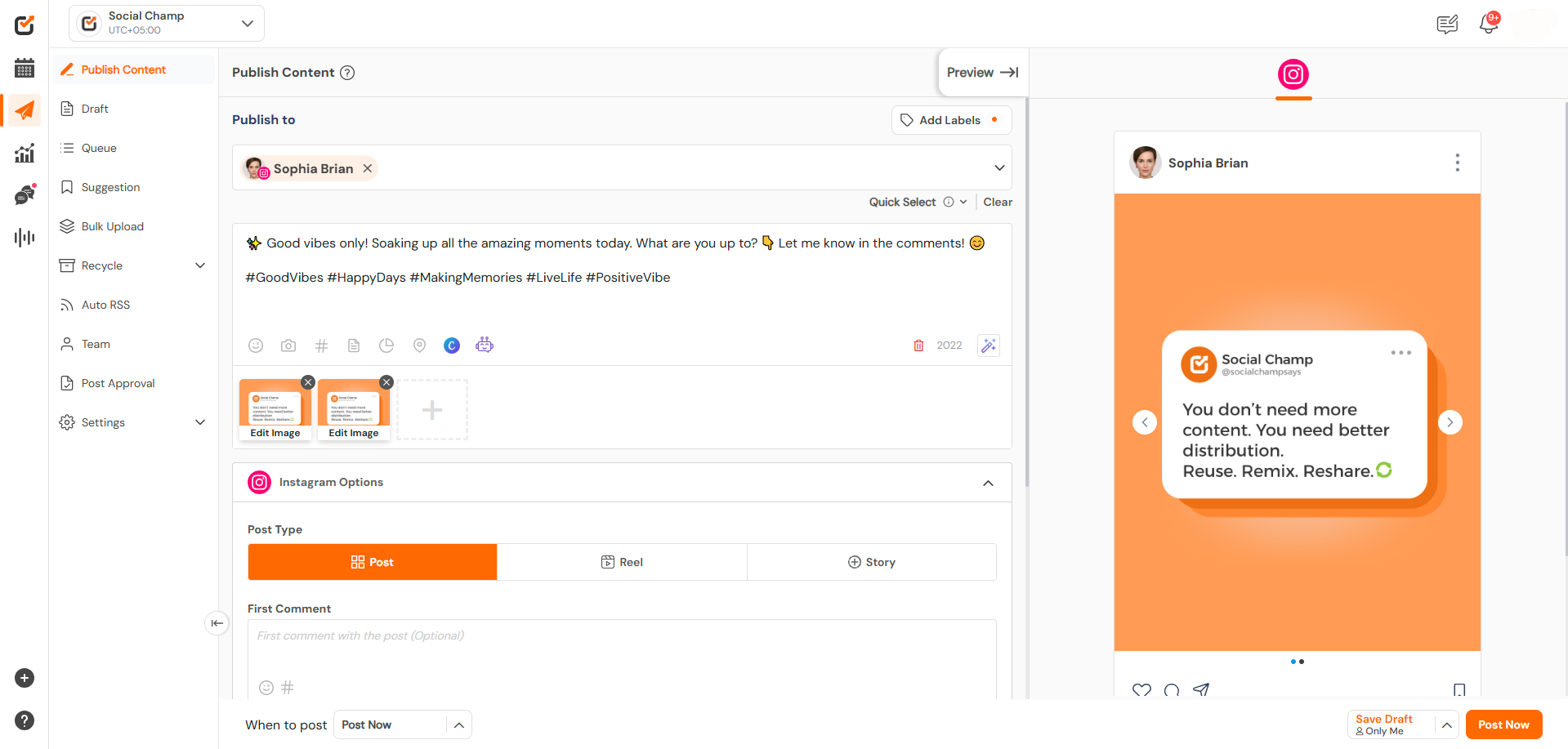
This guide will help you schedule carousel posts (multiple images) to your Instagram Business or Creator account using Social Champ. Read more
Social Champ offers a free plan and three paid plans. The number of posts you can schedule using each plan Read more